
 PDF to JPG
 4.9 (8,000+ Reviews)
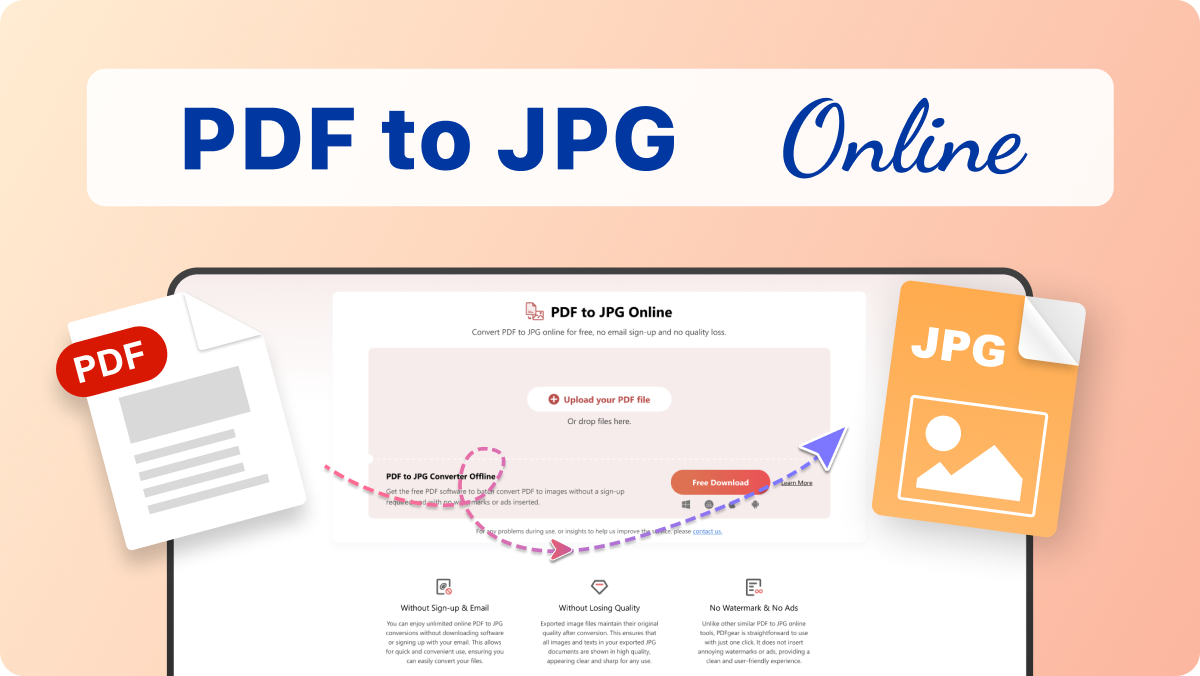
Convert PDF to JPG online for free, no email sign-up and no quality loss

 Select PDF File
Or drop it here.
Loading… 0%
Manifest der Kommunistischen Partei.pdf
1.19 MB
Your file is ready
Manifest der Kommunistischen Partei.psd
 Your file will be deleted permanently.
 Delete File

 Start Over
Sharing is caring
Find PDFgear helpful? Share and help others discover it. Your support means the world to us!


- HTTPS protocol with SSL encrypts file transfers
- Files processed by Amazon Cloud Servers in the US
- Files deleted 20 minutes after leaving the site
Learn more about why PDFgear is free. Still have questions? Feel free to contact us.

Without Sign-up & Email
You can enjoy unlimited online PDF to JPG conversions without downloading software or signing up with your email. This allows for quick and convenient use, ensuring you can easily convert your files.

Without Losing Quality
Exported image files maintain their original quality after conversion. This ensures that all images and texts in your exported JPG documents are shown in high quality, appearing clear and sharp for any use.

No Watermark & No Ads
Unlike other similar PDF to JPG online tools, PDFgear is straightforward to use with just one click. It does not insert annoying watermarks or ads, providing a clean and user-friendly experience.

More Than PDF to JPG
Beyond converting PDFs to JPGs, PDFgear online tools also support transforming PDFs into other document types and vice versa. Additionally, you can edit your PDFs in various ways, making it a versatile tool for all your document needs.

Convert Anywhere, Anytime
Our PDFgear online tool works seamlessly across all platforms, including Linux, Windows, Mac, and mobile browsers. This means you can convert PDFs to images on any device anytime, ensuring convenience and flexibility.

Your Data is Always Secure
PDFgear prioritizes your document security. Your data transfers are protected with SSL encryption, and your files are automatically deleted from our servers once you close the page. You can learn more about our commitment to privacy in our Privacy Policy.
Alternative Solution: Freeware to Convert PDF to JPG
PDFgear offers both free online and offline PDF to JPG Converter.
| Features | PDFgear Software | PDF to JPG Online |
|---|---|---|
| Accessibility | Installation required | Web browser-based |
| File Size Limit | No limit | 50 MB |
| Performance | Fastest | Faster ¹ |
| Internet Requirement | Works without Internet | Internet required |
| Functionality | All-in-one PDF solution to to edit, convert, sign, split, merge, compress, etc. | No further operations supported after conversion |
| User Experience | Advanced and full-featured | Simple and easy to use |
| Data Processing | Files processed on local device | Files processed by cloud servers ² |
| Ideal For | Power users needing advanced features and offline access | Users looking for fast, easy PDF conversion online |
1. Faster: Requires uploading files to the server for processing; speed may vary depending on the size and complexity of the PDF file.
2. Files processed by cloud servers: Your files are uploaded to and processed on AWS US secure cloud servers. Files are deleted immediately after you download them, ensuring data privacy.
How to Convert PDF to JPG Online for Free
1. Select PDF File
Drag and drop your PDF document or click the “Select PDF File” button to select it.
2. Convert PDF to JPG
Once your PDF file is uploaded, all PDF pages will be automatically converted to JPGs and compressed into a zip file.
3. Download JPGs
Click the “Download File” button to download the zip file to your device. Then, you can use your preferred tool to unzip the files and view all the JPG files.

Your Questions Are Answered
Can I Extract PDF Pages to JPG Images on Mobile Phones?
Yes, you can use PDFgear PDF to JPG online tool on your mobile phone or tablet by accessing it through the browser app. You can simply upload your PDF file and follow a few easy steps to convert all PDF pages to JPG images.
Is This PDF to JPG Converter Free to Use?
Yes, PDFgear PDF to JPG converter is completely free to use. You don’t need to download software or sign up using your email. You can enjoy unlimited conversions without any hidden costs.
Can I Edit the PDF Before Conversing It to JPG?
PDFgear currently provides a dedicated free online PDF editing tool for annotating, signing, commenting, and editing your PDF file without needing software. If you require more advanced editing features, you can use our dedicated client software for Windows, Mac, Android and iOS. All these services are free and have no restrictions, so feel free to use them.
More PDF Conversion Tips
 How to Convert PDF to JPG on iPhone
 How to Crop and Convert PDF to JPG
 How to Extract Images From PDF File
Convert more PDF to JPG images for free
Try PDFgear software and app for free.